A kitchen display built for the rush, not the deck.

KDS runs the back-of-house for thousands of independent restaurants. We replaced their printer-and-shouting workflow with a station-aware kitchen display system that holds up at 7 p.m. on a Friday — multi-channel, real-time, designed to be read at arm's length while someone's hands are full.
Role
UI/UX Design
Graphic Design
Product
Restoplus KDS
Year
2024
Tools
Overview
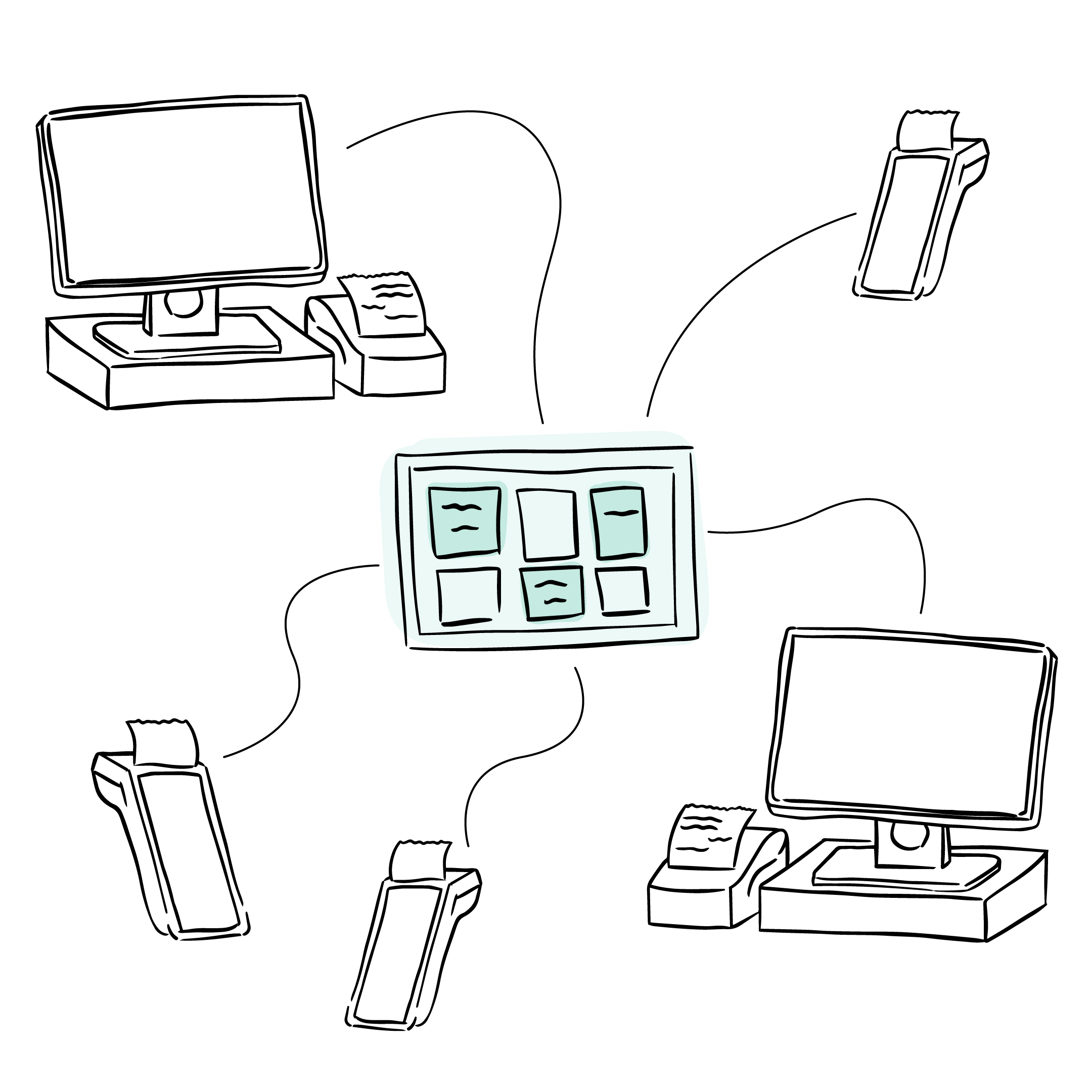
The Kitchen Display System (KDS) is part of the Restoplus ecosystem, designed to unify order execution across POS, online ordering, and delivery platforms.

It serves as the real-time operational layer between order creation and kitchen fulfillment, replacing printed tickets with a centralized interface optimized for high-speed, high-pressure kitchen environments.
The Problem
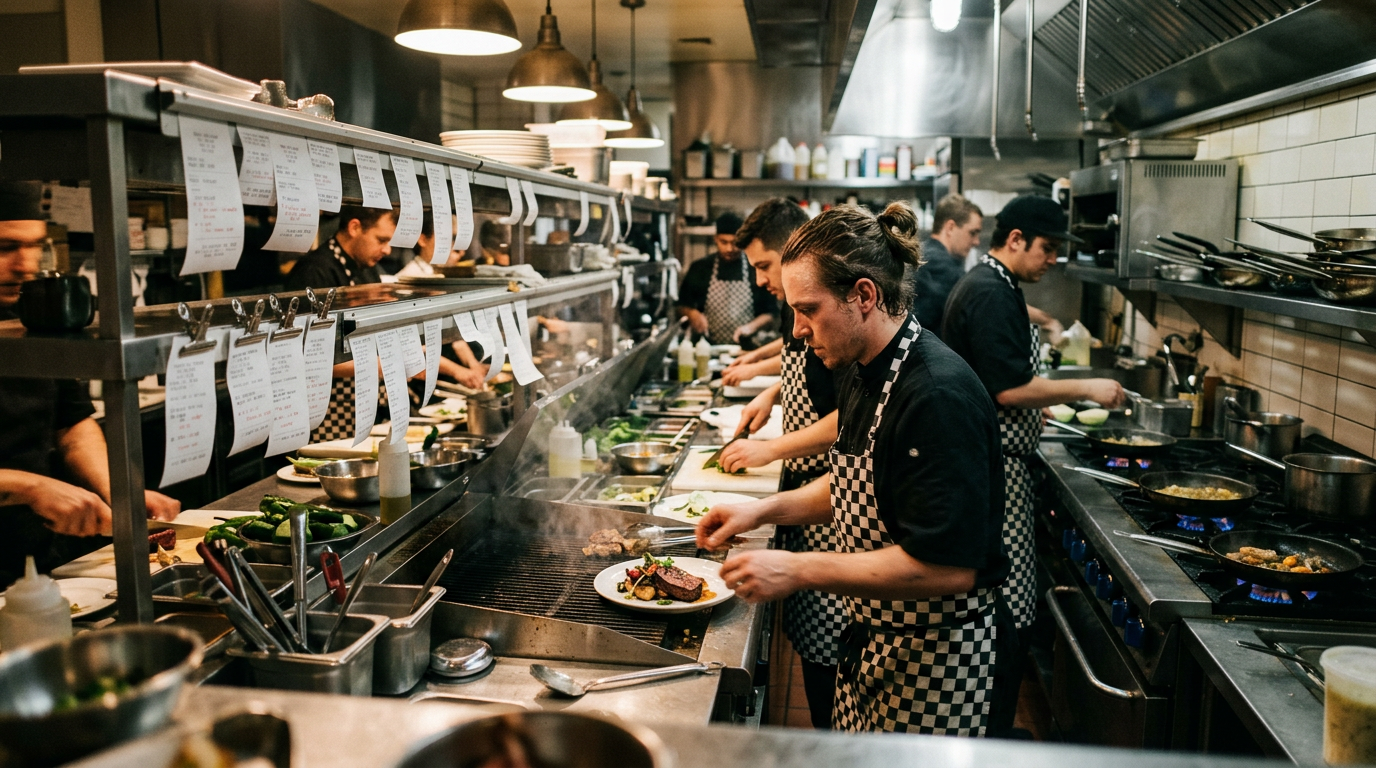
In restaurant kitchens, orders arrive from multiple channels including POS, online ordering, and delivery platforms.
→   Orders are missed or acknowledged late during peak traffic
→   Item modifications are misinterpreted under time pressure
→   Communication relies heavily on verbal confirmation
→   No unified view of incoming work across channels
This creates fragmentation in execution flow, especially during peak hours.
Design Goals
The system was designed to:
→   Centralize all incoming orders into a single execution view
→   Reduce time-to-acknowledge for new orders
→   Minimize ambiguity in item-level instructions
→   Support fast scanning over detailed reading
→   Reduce reliance on verbal coordination
→   Maintain consistency across POS and delivery channels
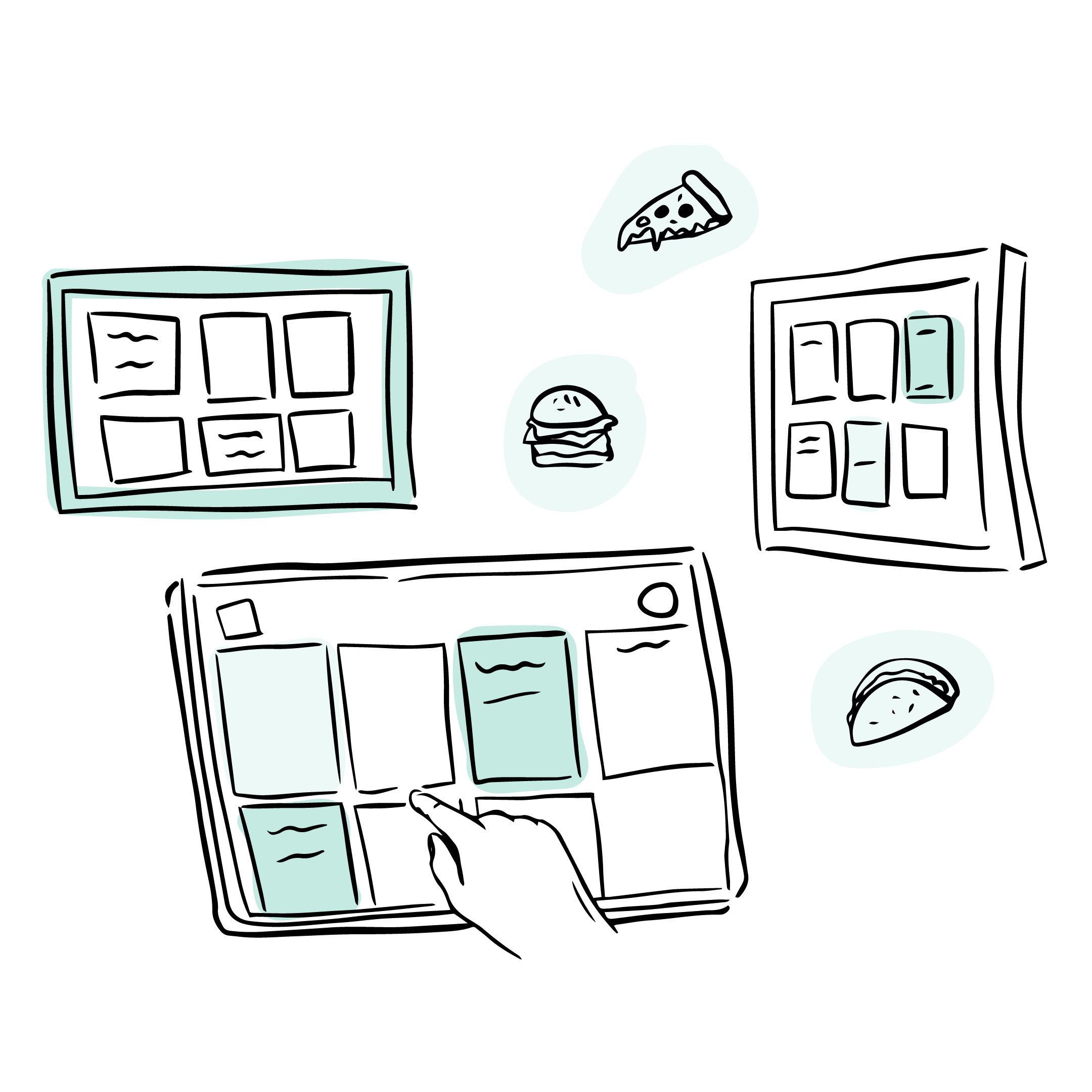
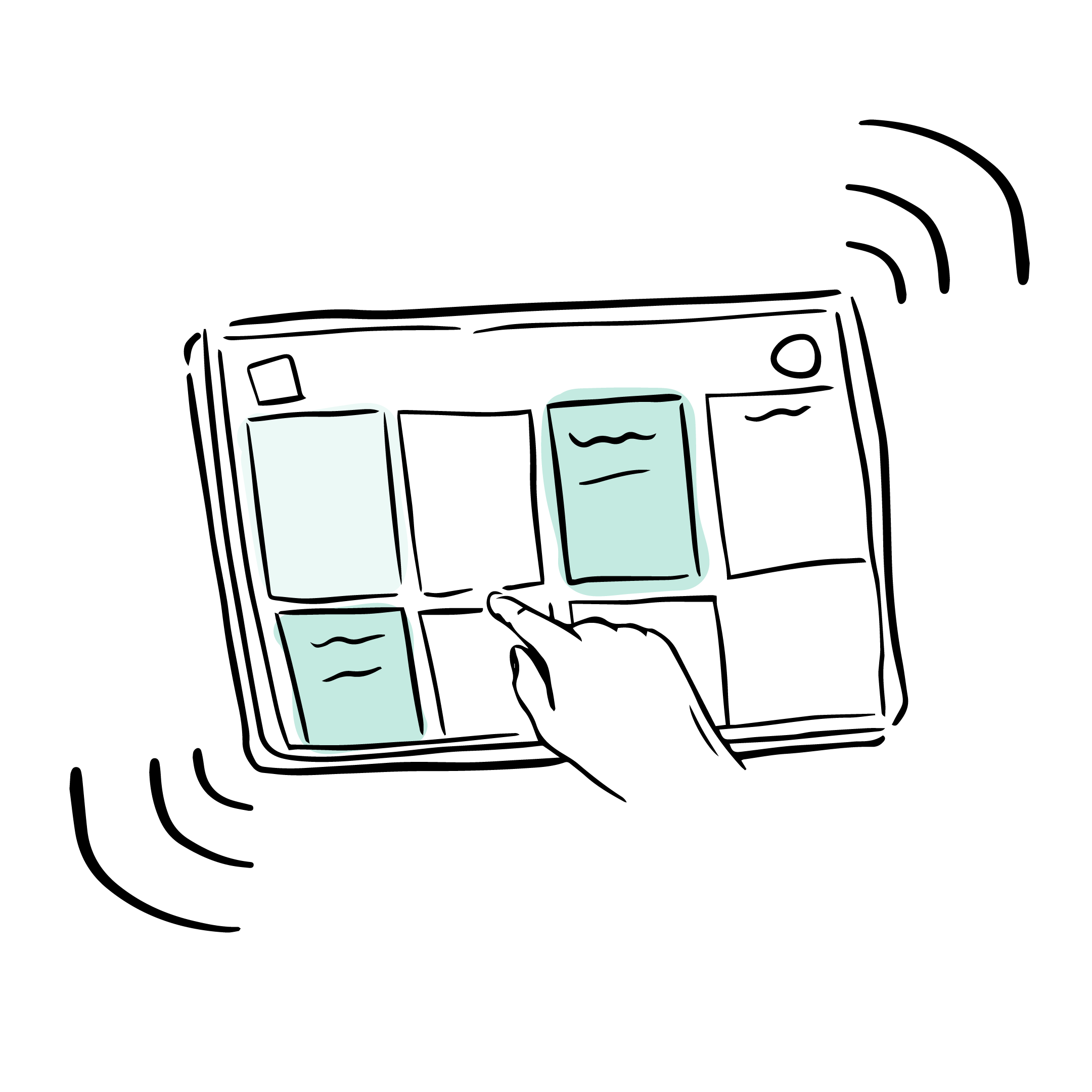
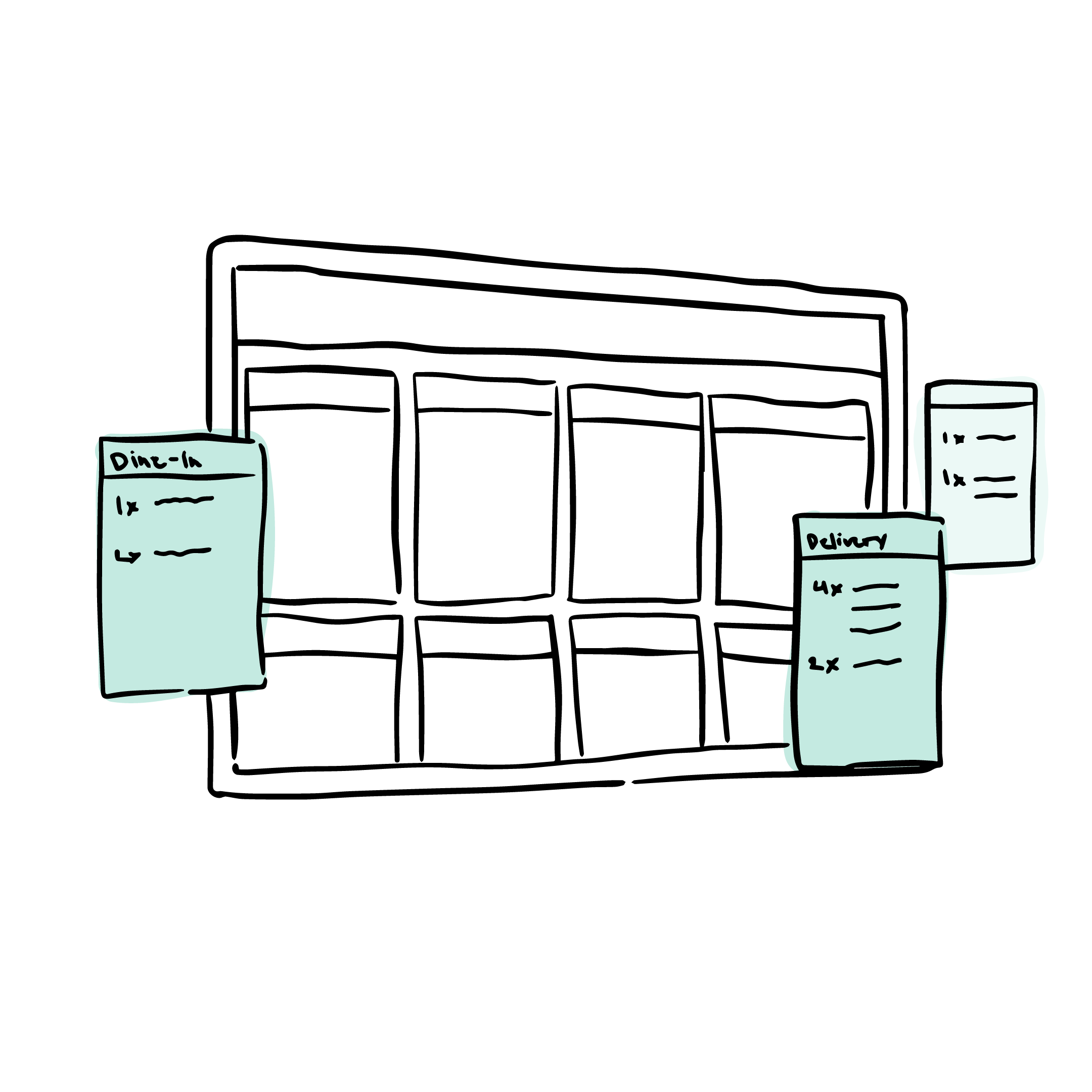
These early sketches were created to help stakeholders visualize how a Kitchen Display System could improve order visibility, kitchen coordination, and real-time execution across restaurant operations.
Design Goals
The system was designed to:
Maintain consistency across POS and delivery channels
Centralize all incoming orders into a single execution view
Reduce reliance on verbal coordination
Support fast scanning over detailed reading
Research & Insights
Research focused on understanding how existing kitchen workflows operate across high-volume restaurant environments.

Due to limited direct access to restaurant kitchens, the process relied on:
→   Competitor analysis of existing KDS products
→   Workflow analysis of restaurant operations
→   Industry research across POS and delivery systems
→   Observation of common operational patterns in kitchen execution tools
→   Internal product and support insights from existing workflows
The goal was to identify recurring friction points in how kitchen teams process incoming orders under time pressure.
Key issues
Staff prioritize scanning over reading
Interfaces needed to support rapid recognition instead of dense information processing.
Ambiguity slows execution
Unclear modifiers and inconsistent order states create hesitation during preparation.
Fragmented order sources increase cognitive load
Multiple channels without centralized visibility lead to workflow inefficiencies.
Reliability perception affects adoption
Operational systems must behave predictably for teams to trust digital workflows during peak hours.
Design
Approach
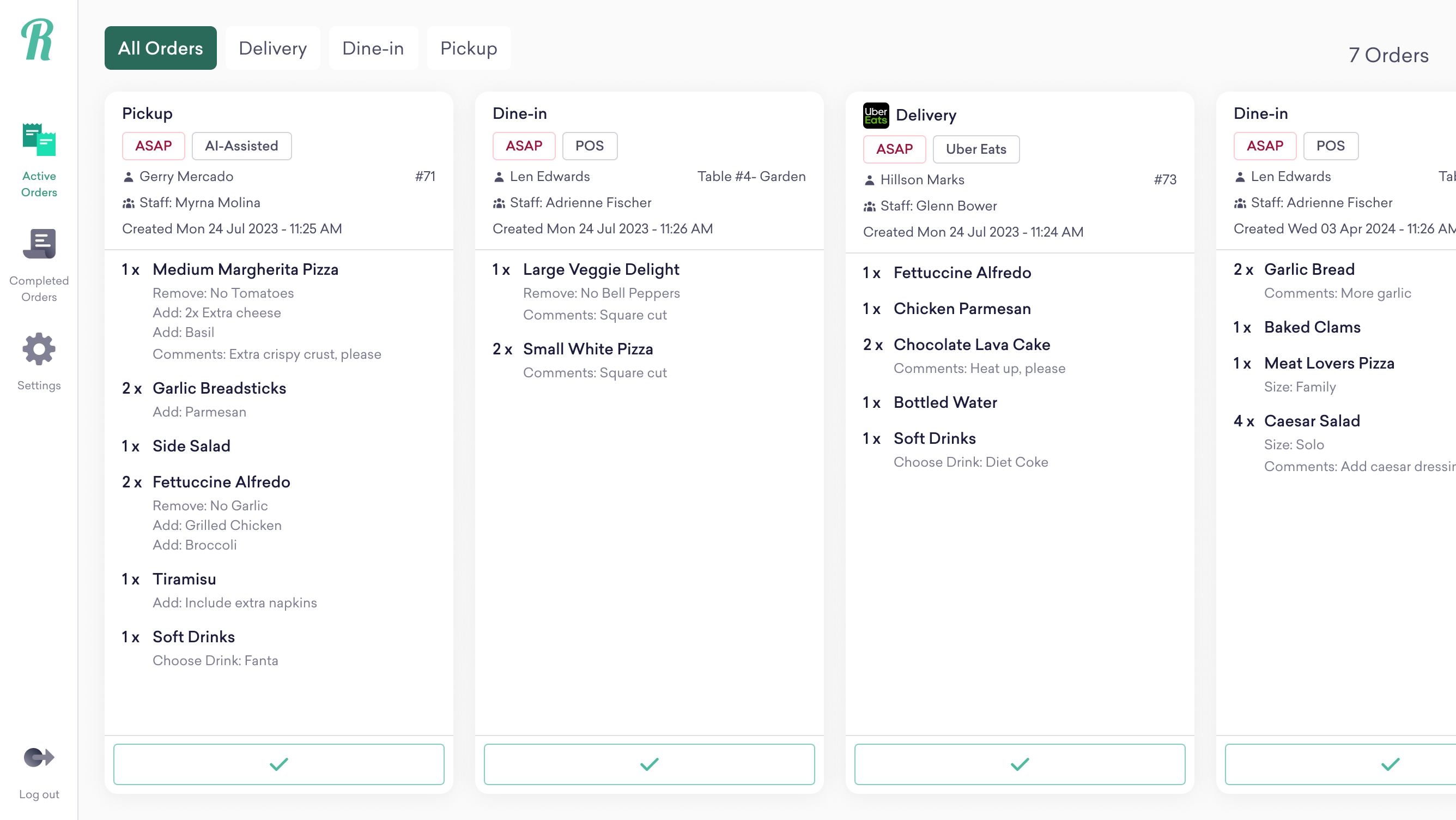
The system was designed as a real-time execution interface optimized for speed, clarity, and operational visibility in high-pressure kitchen environments.
Structured order hierarchy
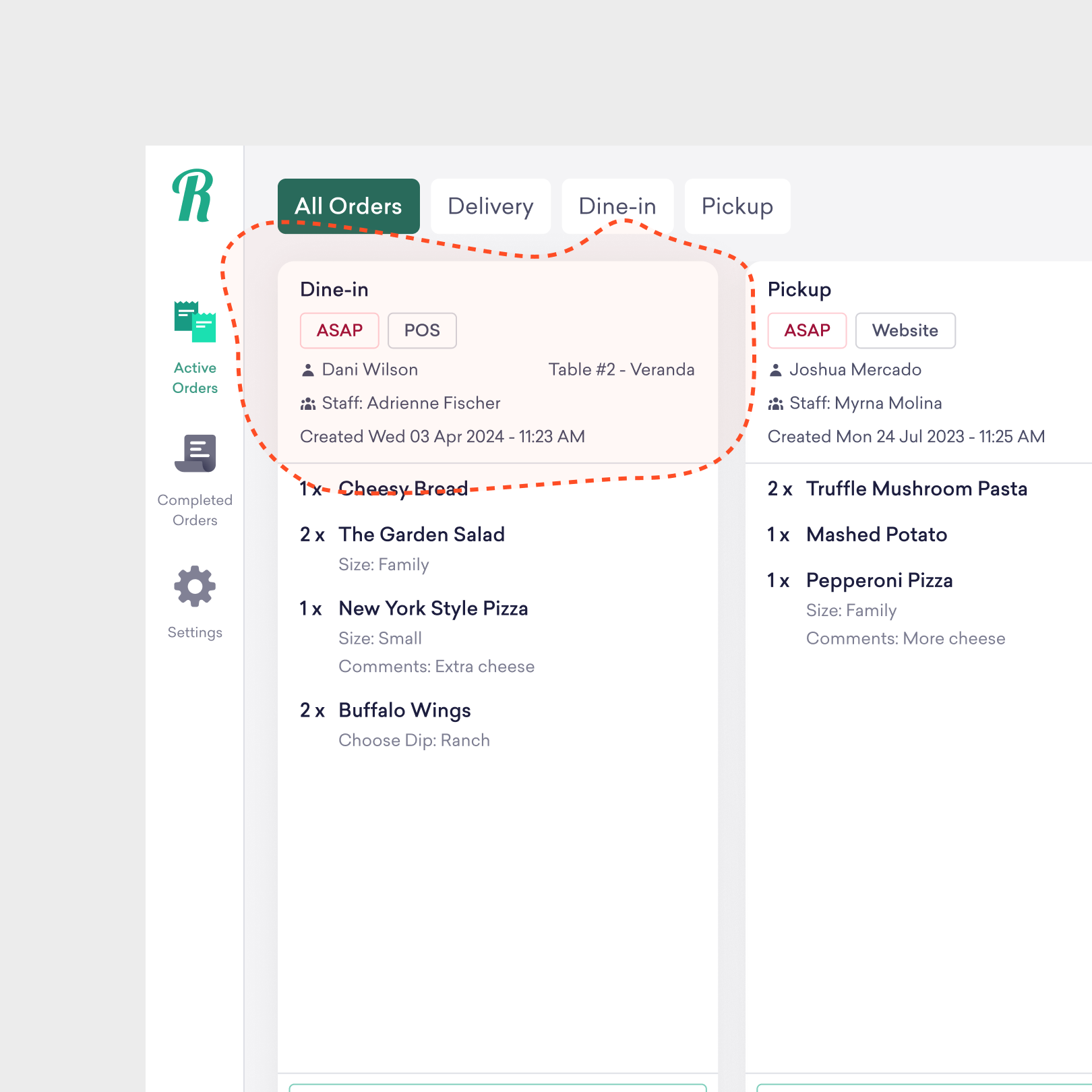
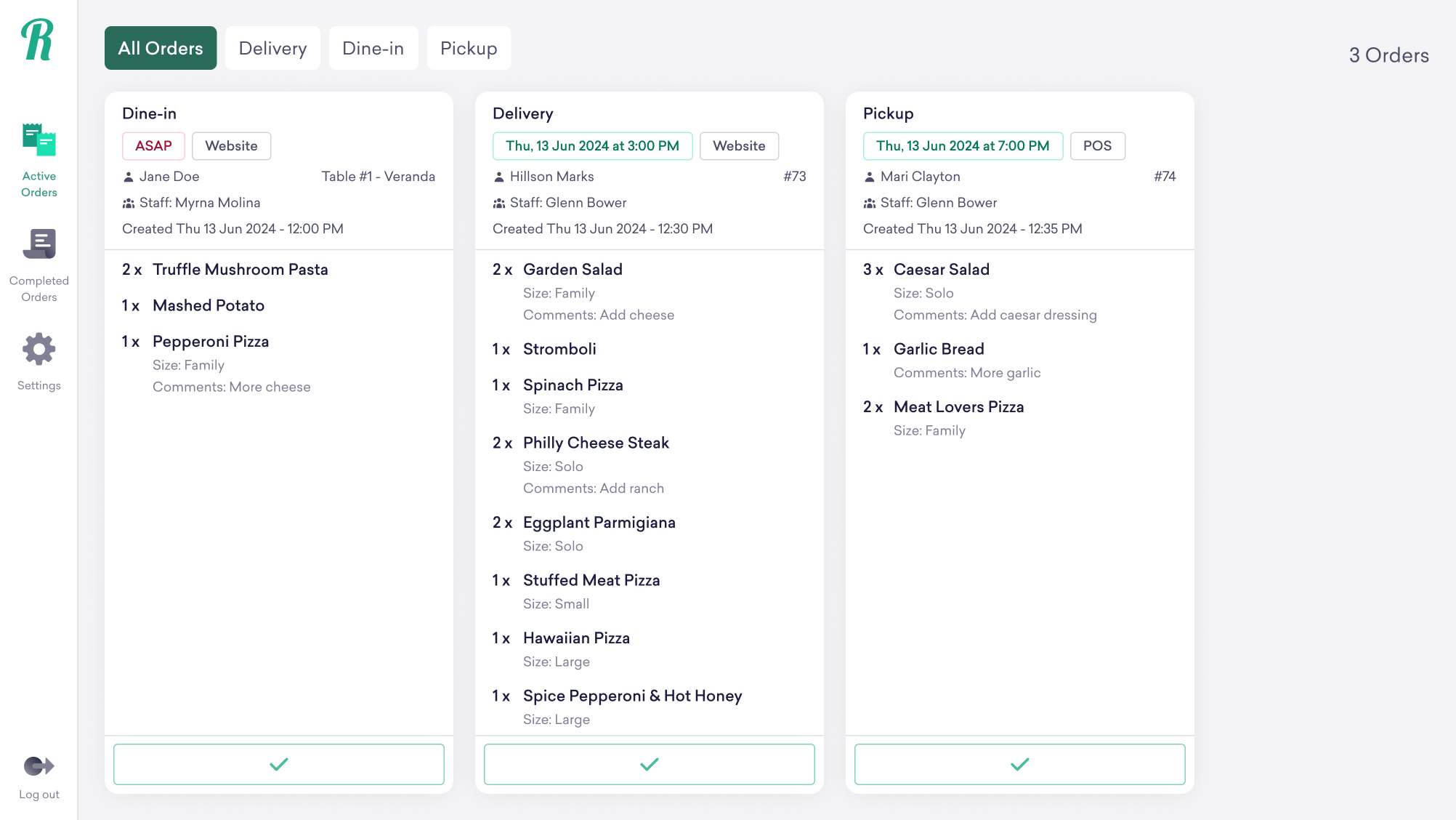
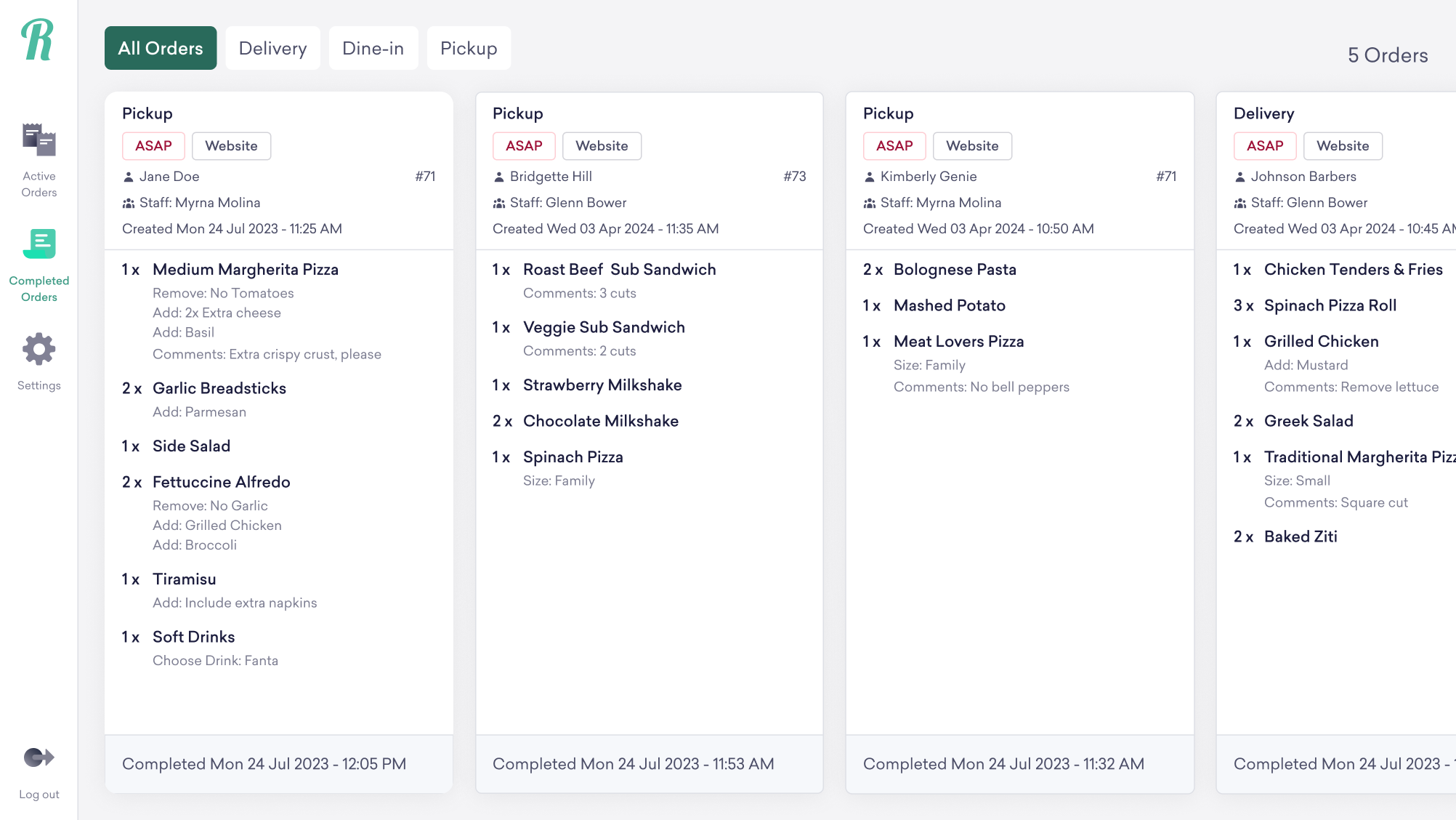
Each order card was designed to prioritize information based on how kitchen staff naturally process incoming work during service hours.
The layout surfaces key operational details upfront, including:
→   Collection type (dine-in, pickup, delivery)
→   Schedule type (ASAP or scheduled)
→   Order source
→   Customer and staff details
→   Table number for dine-in orders
→   Order creation time
This allows staff to quickly understand the context and urgency of an order without navigating through additional layers.
Clear item-level visibility
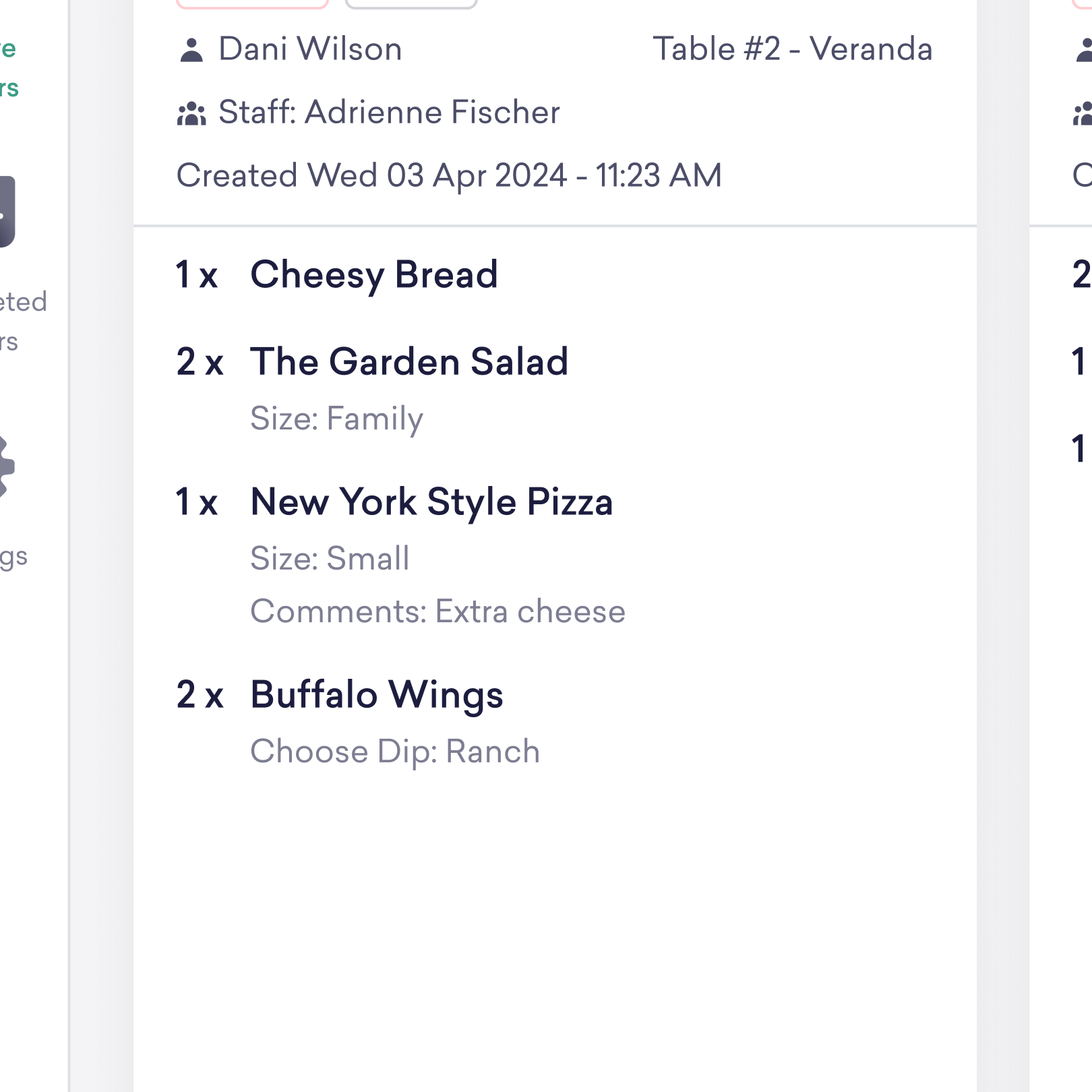
The item section was designed for rapid scanning and preparation tracking.
Each order displays:
→   Quantity
→   Item name
→   Modifiers
→   Item-level comments
→   Order-level comments
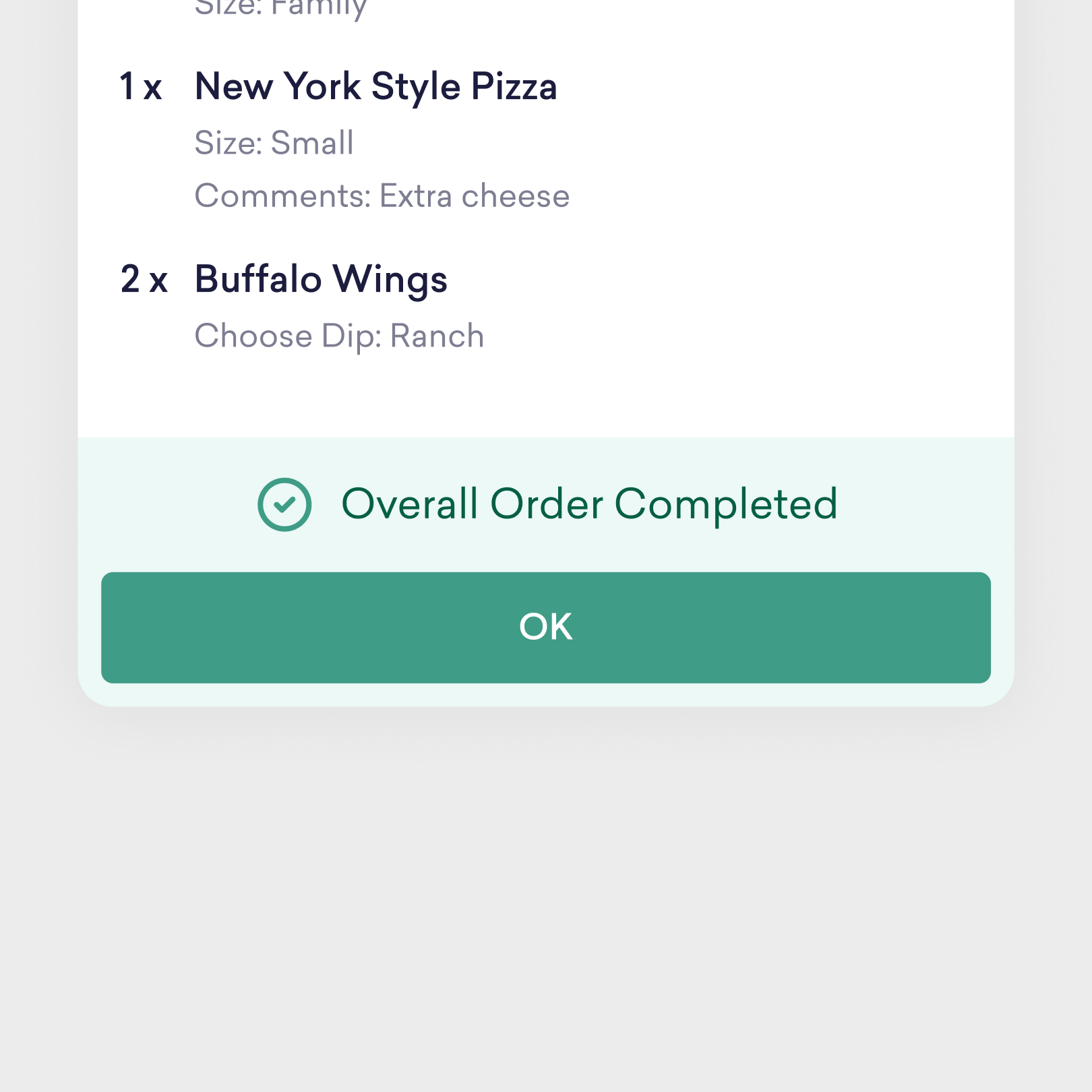
Special instructions and modifiers are surfaced directly within the workflow to reduce missed preparation details and minimize verbal clarification between staff.
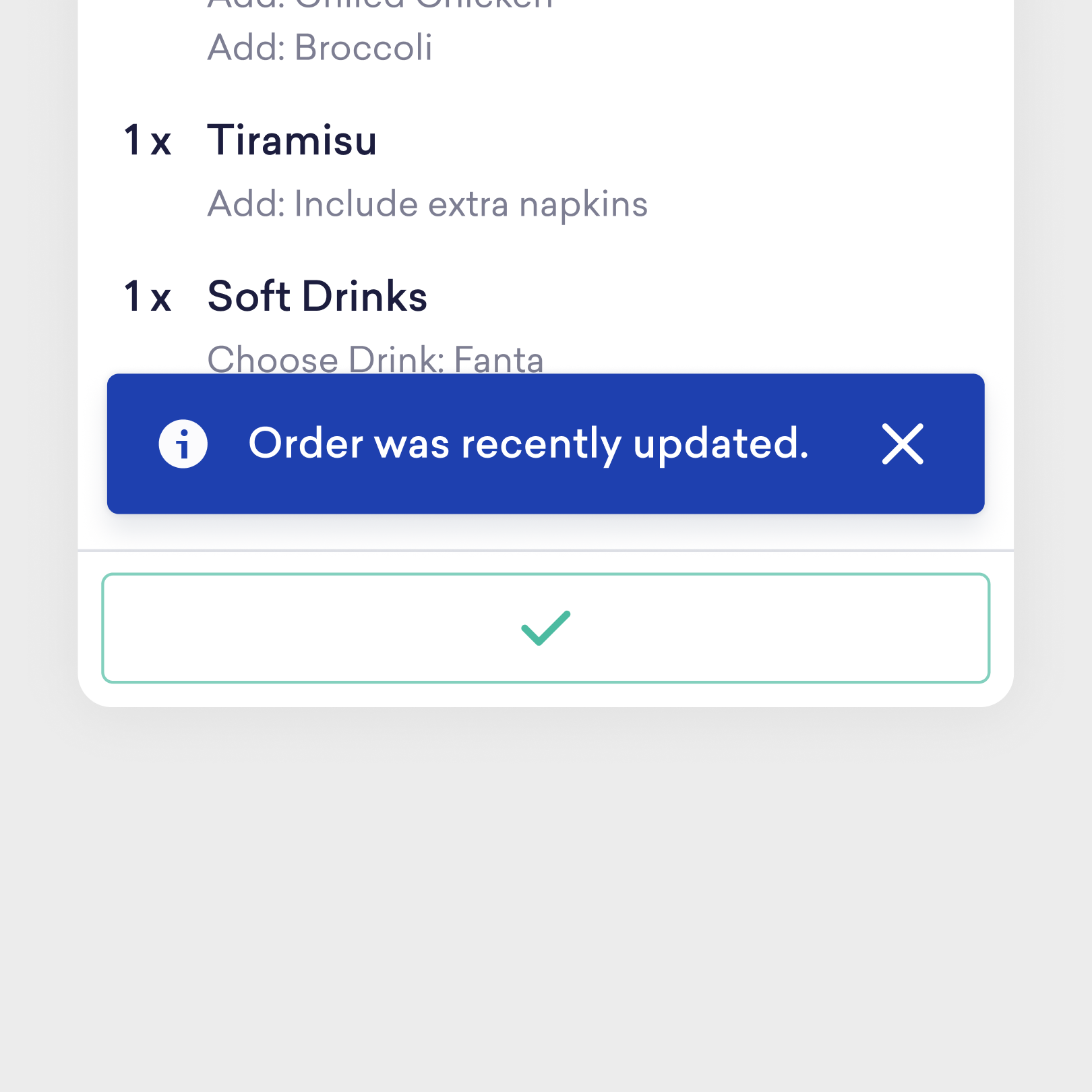
The system provides immediate visual feedback as orders progress across kitchen stations.
Less paper, fewer errors, faster pass.
Designed to support fast scanning, execution visibility, and coordination across kitchen stations.
See other UI/UX projects